 Tianspark Images
Free Image Converter
Convert images to JPG, PNG, WebP or AVIF in your browser, including HEIC and HEIF. Review the first image, then convert and download the batch.
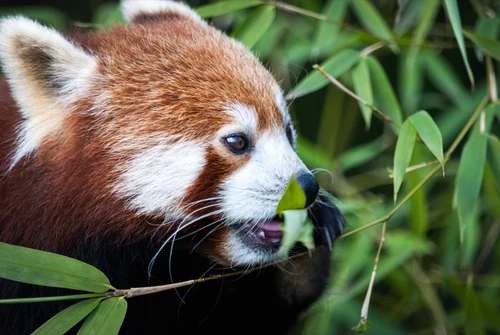
Convert image formats in batches
Choose a delivery format and inspect the first result before converting the rest.
How to convert images
- Add images
Choose or drop your files.
- Choose a format
Process the first image and zoom in to inspect it.
- Download
Process the remaining images and download one file or a ZIP.

HEIC and compatibility
Convert HEIC or HEIF to a format accepted by the destination. Some codecs cannot be decoded; failed items show an error.

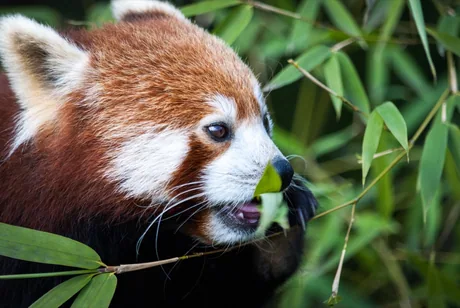
Mixed batches and transparency
Mixed inputs share the selected output format. PNG, WebP and AVIF can retain transparency; JPG fills it with the selected background.

Inspect quality
Adjust quality for JPG, WebP and AVIF, then zoom in to check detail. PNG has no quality slider.
Frequently asked questions
Are images uploaded?
Images are processed in your browser.
What happens to animation and multiple images?
Only one still image is exported; HEIF uses the primary image.