 Tianspark Images
Free Online Image Compressor
Reduce image file size with MozJPEG, OxiPNG, WebP, or AVIF. Compare quality and file size on one image, then batch compress the rest and download a ZIP.
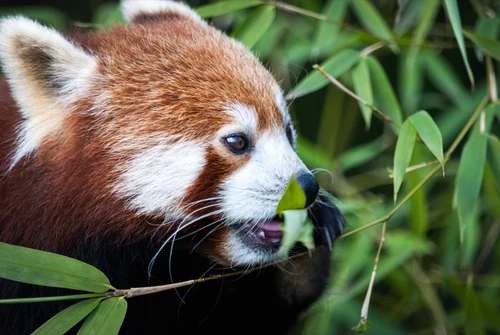
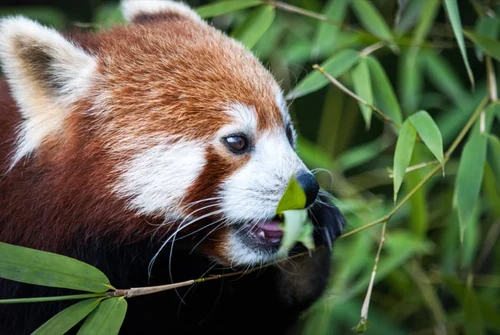
Make an image smaller for the web or an upload limit
Start with the requirements for the destination. A form may accept only JPG under 200 KB, while a web page may use WebP or AVIF and allow a wider range of dimensions. Compress a representative image and check the result before applying the settings to the rest.
How to compress images in bulk
- Choose an encoder
Add a JPG, PNG, WebP, or another supported image. If the receiver requires JPG, start with MozJPEG. For transparent graphics, try OxiPNG or WebP.
- Check quality and file size
Process the first image and drag the divider. Zoom in on hair, gradients, and small type, then check the result size below the preview.
- Compress the rest
When the first image meets your requirements, apply the settings to the remaining queue. Download a single file or a ZIP of the results.
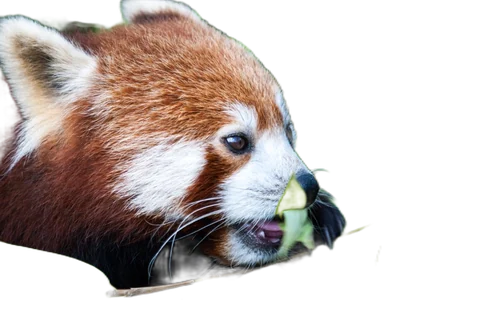
JPG, PNG, WebP, or AVIF?
JPG is a practical choice for photographs when the destination requires wide compatibility. MozJPEG uses lossy compression, so try a higher quality setting if complex textures or small lettering look soft.
OxiPNG rewrites PNG files losslessly. To preserve the original pixels, turn off resize, palette reduction, and background removal, and leave the longest edge blank. WebP and AVIF are worth testing for web images. Check support wherever you plan to publish.
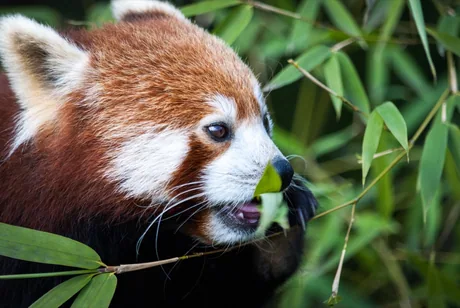
File size and dimensions are separate settings
File size is measured in KB or MB, while dimensions are measured in pixels. If the page only needs a 460 px-wide version of a 920 × 616 px image, set the longest edge to 460 px. The result is 460 × 308 px. Its file size still depends on the encoder and the picture.
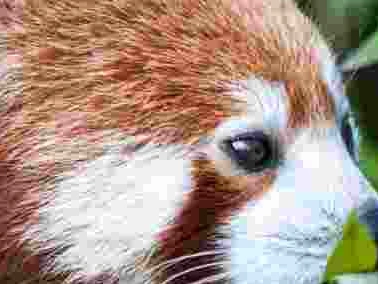
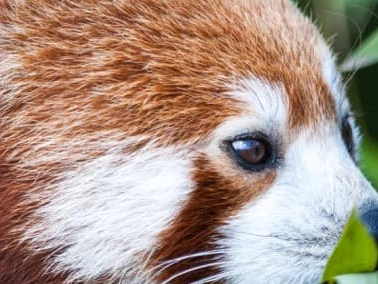
Look for compression artifacts at full size
Check fine lines in graphics, subtle color changes in skies, and texture in hair or fabric. Raise quality if edges develop visible blocks or gradients turn into bands. Retest from the original to avoid accumulating lossy artifacts.
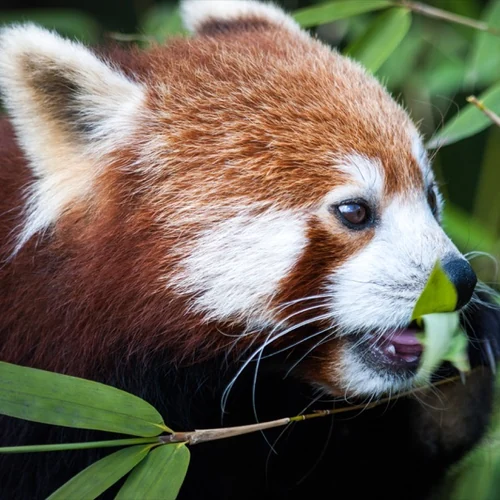
Group similar images before batch compression
A folder of product photos can share a longest-edge setting. Screenshots and transparent logos may need a different encoder. Split mixed sets and spot-check the largest and most detailed results before publishing.
Frequently asked questions
Can I compress an image to 200 KB or less?
Check the result size and lower the quality or resize within the upload requirements until it fits. The same settings can produce different file sizes, so check each result before submitting.
Why did the compressed file get bigger?
A source that was already heavily compressed can grow when re-encoded at a higher quality or converted to a lossless format. Compare sizes with another encoder or quality setting.
Can I compress a transparent PNG and keep the background transparent?
Yes. Choose OxiPNG or WebP to retain transparency. JPEG does not store an alpha channel.
Can I resize and compress in the same step?
Yes. Open Preprocessing to control dimensions or the longest edge, then select an encoder and compare the first result.
Does the free image compressor upload my files?
The browser reads, encodes, and exports your images. No account or file upload is required.